Android
Phones and tablets with Android 7 or newer.
APK file
Download for AndroidThe study planner for Tamil Nadu State Board Class 12. Your plan for every day, the syllabus topic by topic, revision right on time, and a focus timer that keeps distractions away.
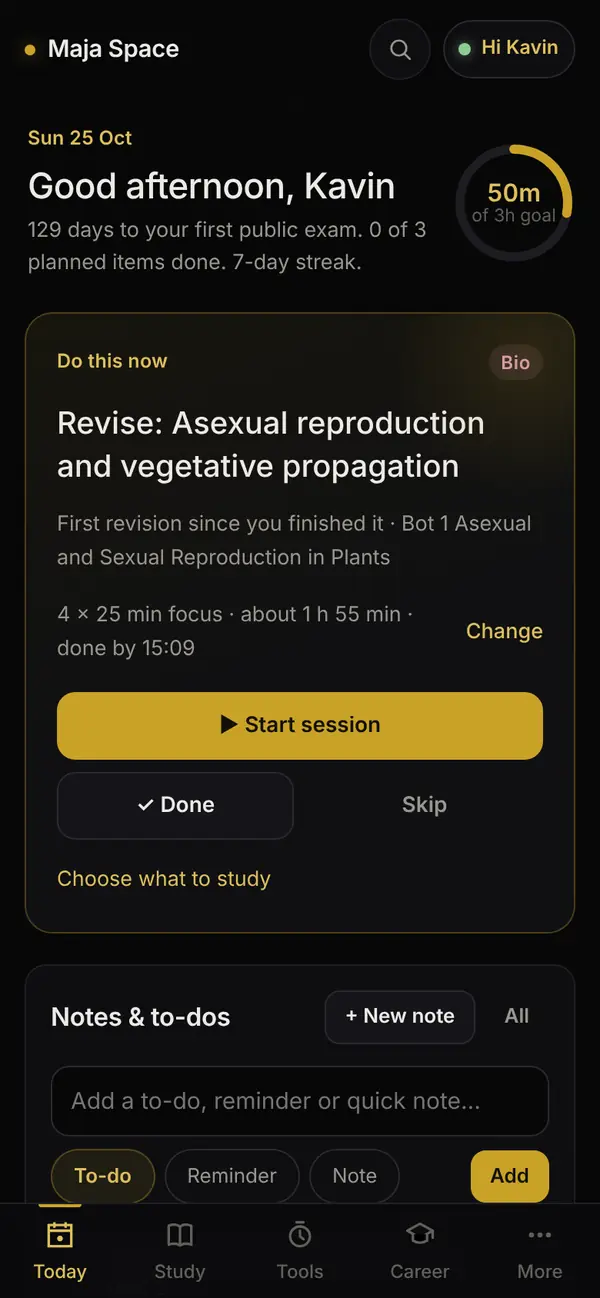
Open the app and see what to study now, what comes next and how close you are to today’s goal.
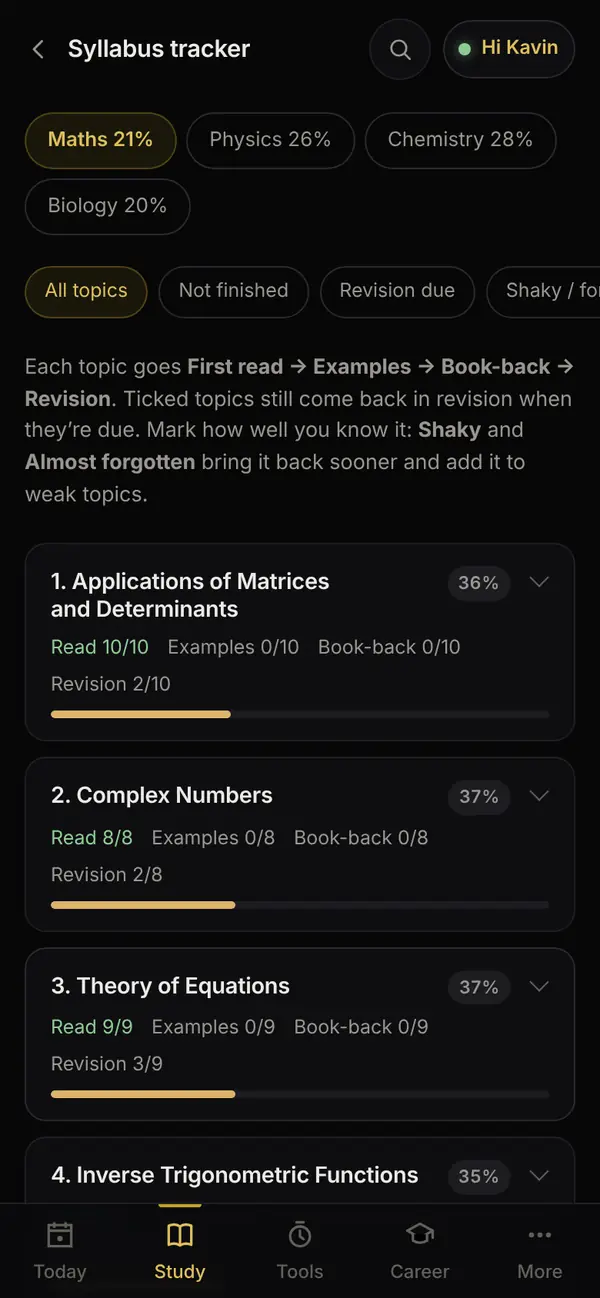
Physics, Chemistry, Maths and Biology, chapter by chapter. Tick what you have read, practised and revised.
Finished topics come back for revision when they are due, so nothing fades before the public exam.
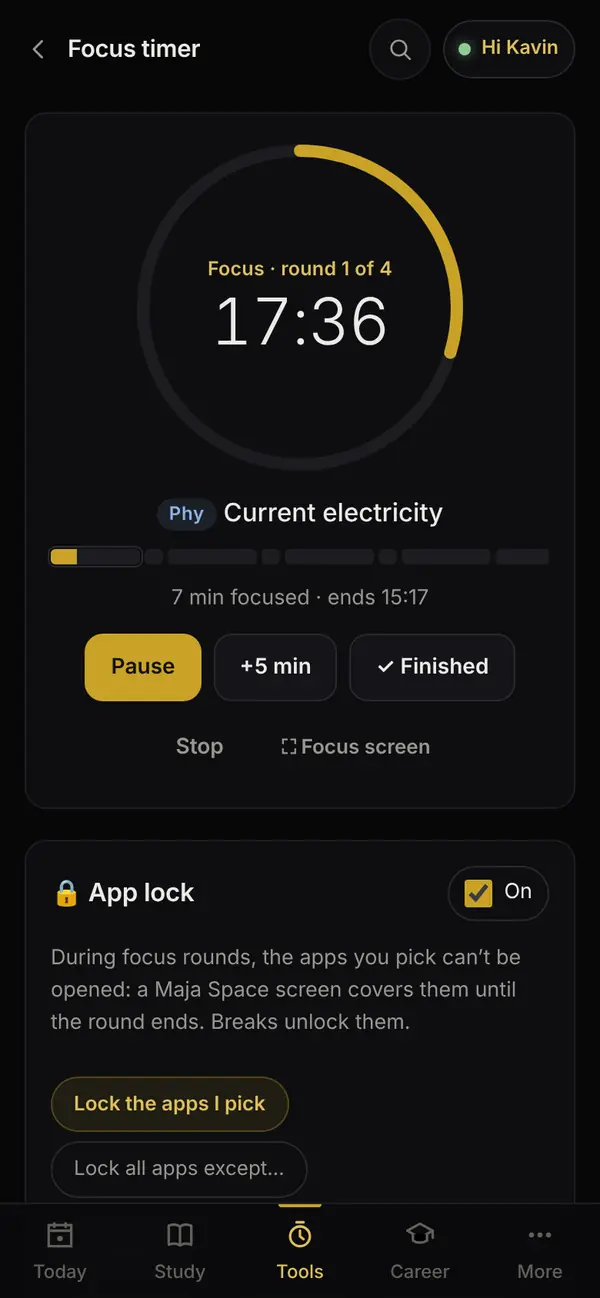
Focus rounds and breaks, an alert at each change, and a true record of how long you studied.
During a focus round, the apps you pick, like Instagram, YouTube or games, stay locked until the break.
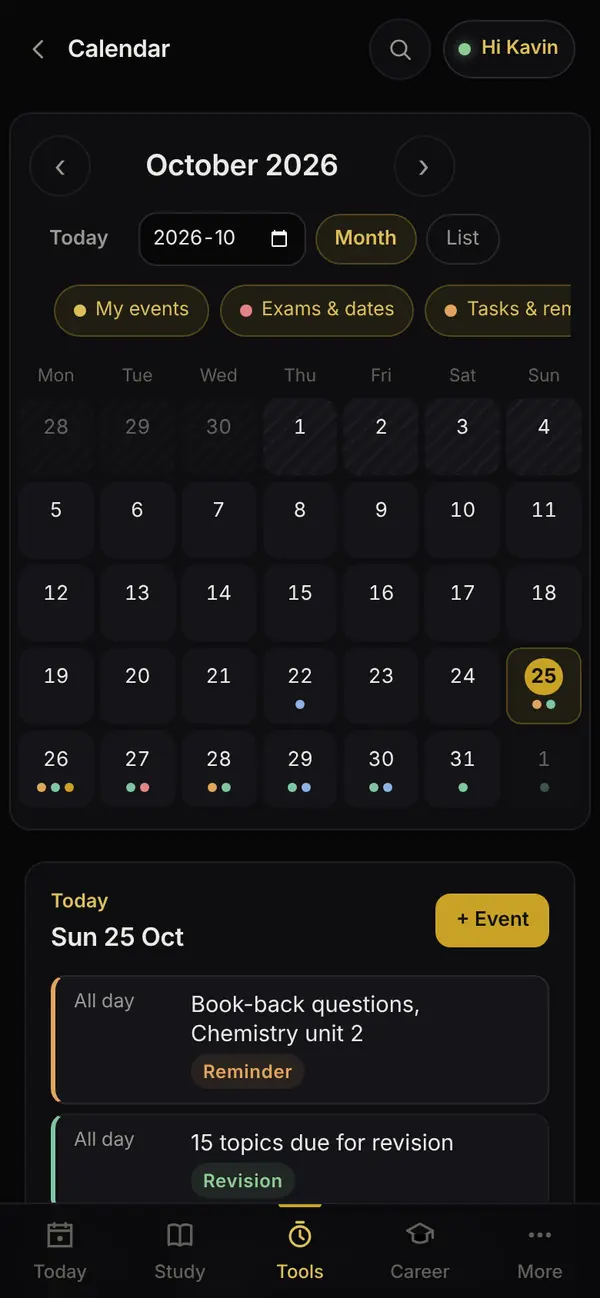
Your school timetable, tests, tuition and study blocks together, with reminders before they start.
Past question papers, and which chapters carry the most marks, next to your own progress.
Sign in on another device and your progress, notes and timer records come along. It works offline too.
Real screens from the app, with a sample student.
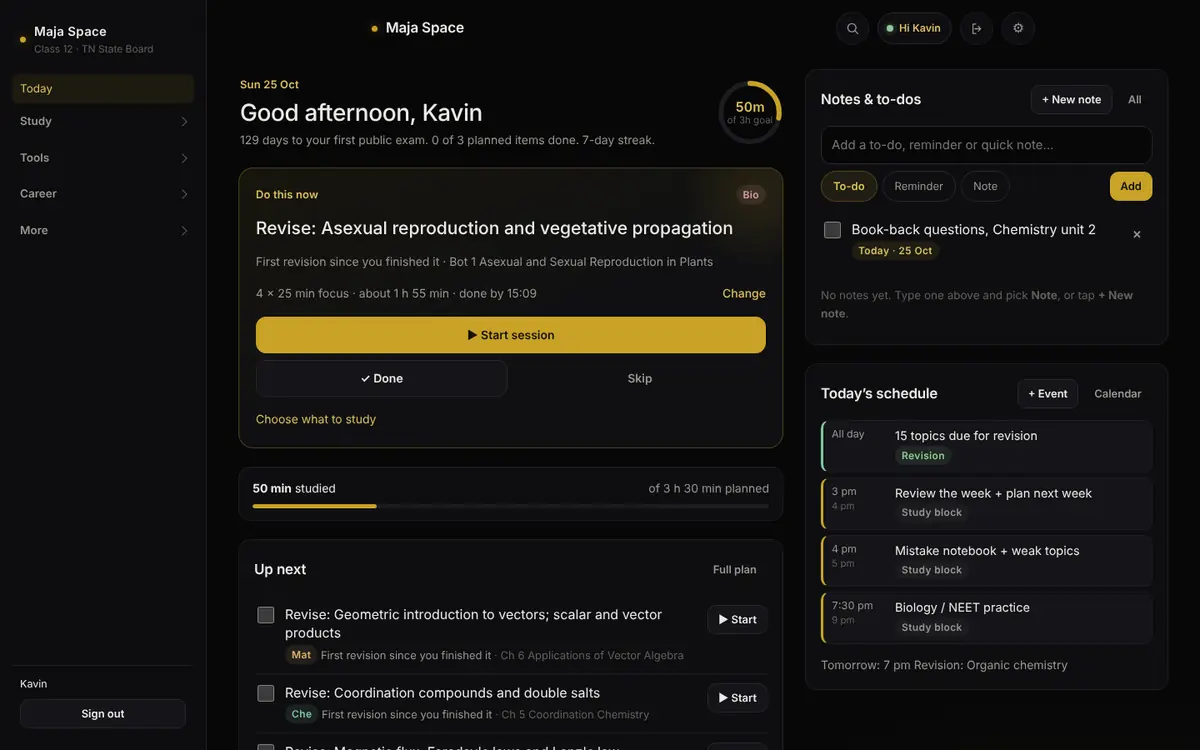
Every button gives the newest version, straight from Maja Space’s app files on GitHub. After that, Maja Space updates itself.
Phones and tablets with Android 7 or newer.
APK file
Download for AndroidWindows 10 or 11, 64-bit. Installs for you, no administrator needed.
Installer (.exe)
Download for WindowsmacOS 13 or newer. Pick the one for your Mac’s chip.
Disk image (.dmg)
Not sure? Apple menu, then About This Mac: “Chip Apple M…” is Apple silicon, “Processor Intel” is Intel.
Coming soon as a web app at majaspace.online: open it in Safari and add it to your Home Screen.
No download needed
Coming soonMaja Space doesn’t come from an app store, so your device asks once whether you trust it. After that it updates itself.
Using the timer’s app lock? It needs two switches: Usage access and Display over other apps. On Android 15 and newer, if they are grey or say “Restricted setting”: open Settings, then Apps, then Maja Space, tap ⋮ at the top right, choose Allow restricted settings, then turn the switches on.
Coming soon. When it is ready:
Yes. It is free for Maja Space members, with no ads and nothing to buy.
Yes. The download buttons always point at the latest version on GitHub, so you get the current app whenever you download. Once it is installed, Maja Space keeps itself up to date.
Android, Windows and macOS warn about apps that don’t come from their stores or aren’t signed with a paid certificate. The files come straight from Maja Space’s own GitHub page, and every update is checked against Maja Space’s own signature before it installs, so a changed or fake file is refused.
New content, like pages, data and fixes, downloads by itself and is used the next time you open the app. New versions of the Android app install by themselves on Android 12 and newer once you allow it. On a computer, Settings, then App updates, shows a Download button.
Yes. Sign in with the same member username and password on each one, and your progress, notes and timer records follow you.
Yes. Everything you do is saved on your device first, and cloud sync catches up when you are back online. Question papers open from their source, so they need the internet.
Maja Space for iPhone and iPad is coming as a web app at majaspace.online. You will open it in Safari and add it to your Home Screen. Until then, use an Android device or a computer.
Maja Space members, with the username and password they were given.